I've pushed a new version (1.1.1) of the watch app, and it is available for installation. The major changes from v1.0.20 are:
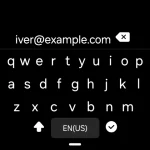
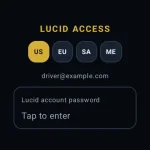
1) Changed the Lucid email/password login screens to lessen the difficulty on some watch types.
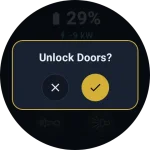
2) Revised the confirmation dialogs for a better experience on some watch types.
3) Added the ability to tap on the charging power text to stop charging, with a confirmation dialog.
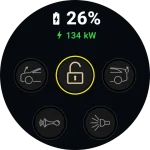
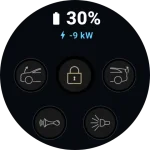
4) Color-coded the charging power display area to differentiate Plugged in, Charging, and RangeXChange states.
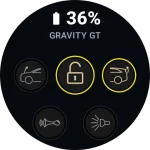
5) Color-coded the battery state-of charge display to reflect low charge <=20% and high charge >=80%.
6) Replaced all app icons with new artwork.
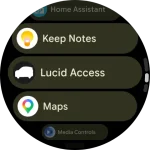
7) App has been renamed "Lucid Access".
8) Added a license file to the Github repository, open-sourcing the app for others to build on.
Current testers can update their watch app by uninstalling the prior version and installing the new one:
1) On the watch, access the watch's app list (Pixel watch - double press the crown), then scroll down to the "Lucid Cars" app bar and long-press it. Select Uninstall.
2) On the phone, find the app installation URL that I sent you for the initial install, click on it, and press install. You shouldn't have to log in again.
Remaining issues:
1) On app startup, a login screen with two choices sometimes pops up and disappears on its own after a second or so.
2) After pressing a frunk/door lock/trunk button, there is often a lag of several seconds to a minute before the button icons correctly reflect the state of the car. Until this is resolved, I'd suggest using these actions only within sight of the vehicle, and being patient about watching for the update.
I'll try to work on both of these in the coming week.
For reference, this is at
https://github.com/DeaneG1967/Lucid-Motors-WearOS-Companion-App
If anyone would like to install this on their Android watch, send me a DM with your gmail address.




 The PR is here: