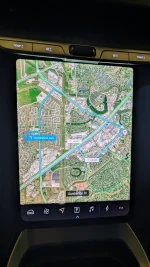
Can’t toggle off Nav search bar in: UX 3.0

Jeffknet

Member

Joined
May 5, 2025
Messages
15
Reaction score
9
Cars
2025 Air Pure
Has anyone figured out how to get rid of the search bar in the navigation screens in UX 3.0? It takes up way too much space. Both on the right cockpit panel and the pilot panel. Prior to the update, I could tap the search icon 🔍 and it would toggle off. Now there’s no more 🔍 icon, or at least I’m unable to locate it.
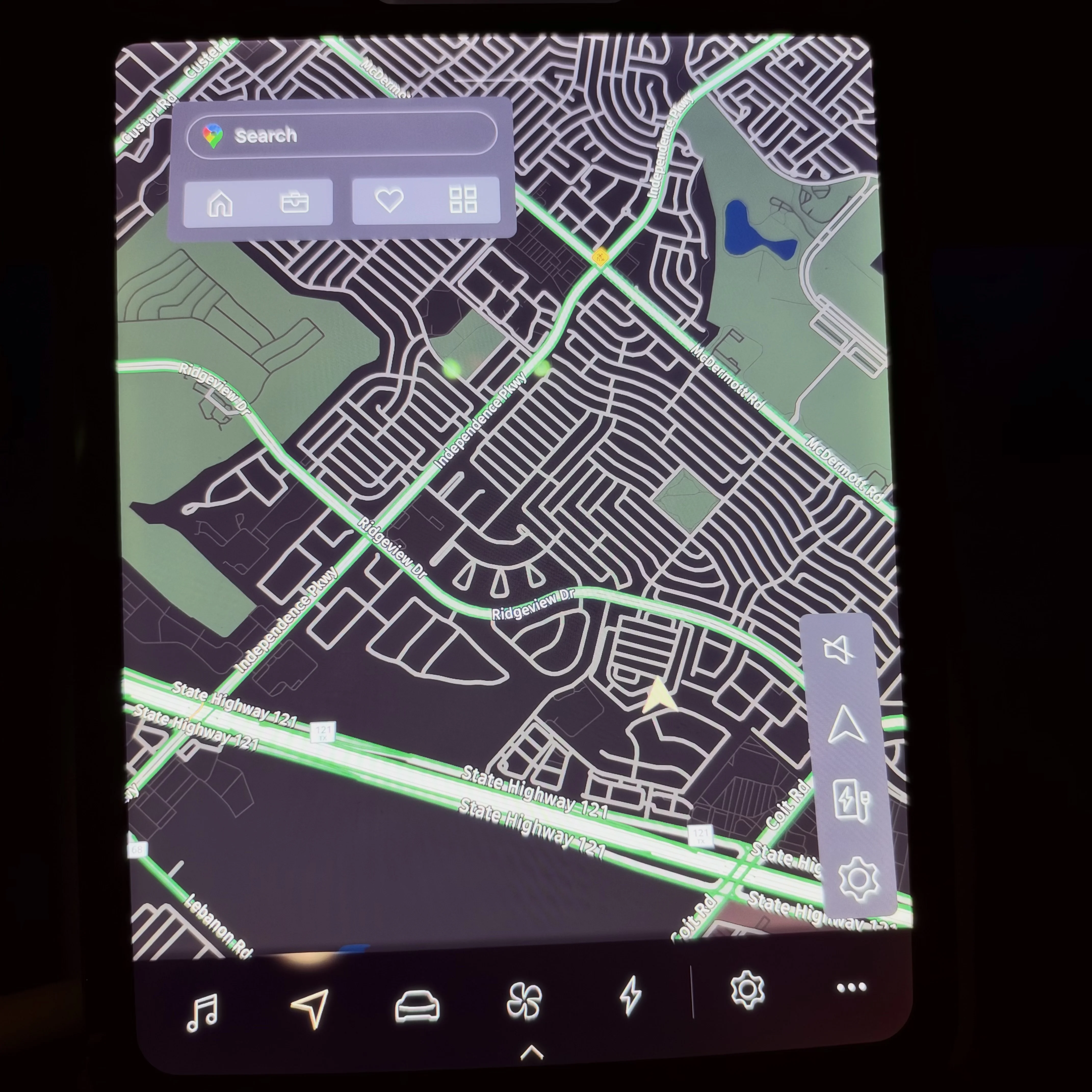
IMG_8130.webp
 
Nope and it's annoying as hell.
Ditto. I used on a 600 mile trip this week and, while I thought the app was improved, that search box was really annoying.
 
Well glad to hear it’s not just me. Hopefully, they’ll fix it in the next update.
 
In my car's instance this is not the behavior...once I start navigation...select overall view ..the box and the view selection bar all disappear leaving only the full navigation path on the screen..nothing else. I'll try and post a photo or video next time I'm in the car
 
In my car's instance this is not the behavior...once I start navigation...select overall view ..the box and the view selection bar all disappear leaving only the full navigation path on the screen..nothing else. I'll try and post a photo or video next time I'm in the car
Interesting, what year/trim do you have? I was hoping the box would disappear with time, but no such luck. Wonder if I’m missing a setting somewhere?
 
Interesting, what year/trim do you have? I was hoping the box would disappear with time, but no such luck. Wonder if I’m missing a setting somewhere?
2023 Air Touring with cccv2 upgrade..
 

Attachments

  • PXL_20261005_022118376.webp
    PXL_20261005_022118376.webp
    1.3 MB · Views: 45
Did you download the upgrade or have it installed at the svc ctr? If latter then maybe that’s the difference? The OTA version doesn’t disappear.
All OTA..I did the cccv2 upgrade last year...and I just accepted to install 2.11 when it popped up on my pilot panel...the car was in my own garage when it updated...
 
All OTA..I did the cccv2 upgrade last year...and I just accepted to install 2.11 when it popped up on my pilot panel...the car was in my own garage when it updated...
Gotcha, maybe the install is the difference. Final question: can you clarify “elect overall view”? Does that mean you have nav as the entire screen?
 
Gotcha, maybe the install is the difference. Final question: can you clarify “elect overall view”? Does that mean you have nav as the entire screen?
On the pilot panel you can toggle between 4 options of views ..perspective, north up, birds eye view and overall view...the overall view looks like an S shape ...that is what I'm referring to..
 
On the pilot panel you can toggle between 4 options of views ..perspective, north up, birds eye view and overall view...the overall view looks like an S shape ...that is what I'm referring to..
Yea I don’t have an “S” shape icon option. I have an “arrow” as you can see from the image. Oh well I appreciate your feedback.
 
So your arros above the charging station icon doesn't toggle to different states? If so, that is a software glitch
 
It only toggles views, 2D, 3D, and North. Prior to the update I could get it to go away with that, but no longer.
 
It only toggles views, 2D, 3D, and North. Prior to the update I could get it to go away with that, but no longer.
That is definitely a bug...
 
Are you guys in ACTIVE NAVIGATION? Select a destination to navigate to...then see if the fourth option that is the navigation overview shows up. Then re-center once and don't touch anything for 10secs...the windows go away then maybe?
 
Back
Top