
Can‘t find this button in the app - PaaK prep in car SW?

floho

New Member

Joined
Jul 31, 2026
Messages
13
Reaction score
31
Location
Hamburg, Germany
Cars
Gravity GT 2026
Hi guys,
Took delivery of our starship aka Gravity ten days ago.

When opening the car with the phone and not carrying a keyfob, I get this notification on the display- German for “grant drive access in the mobile app” but for the love of me, I can’t find that button on the iPhone app.
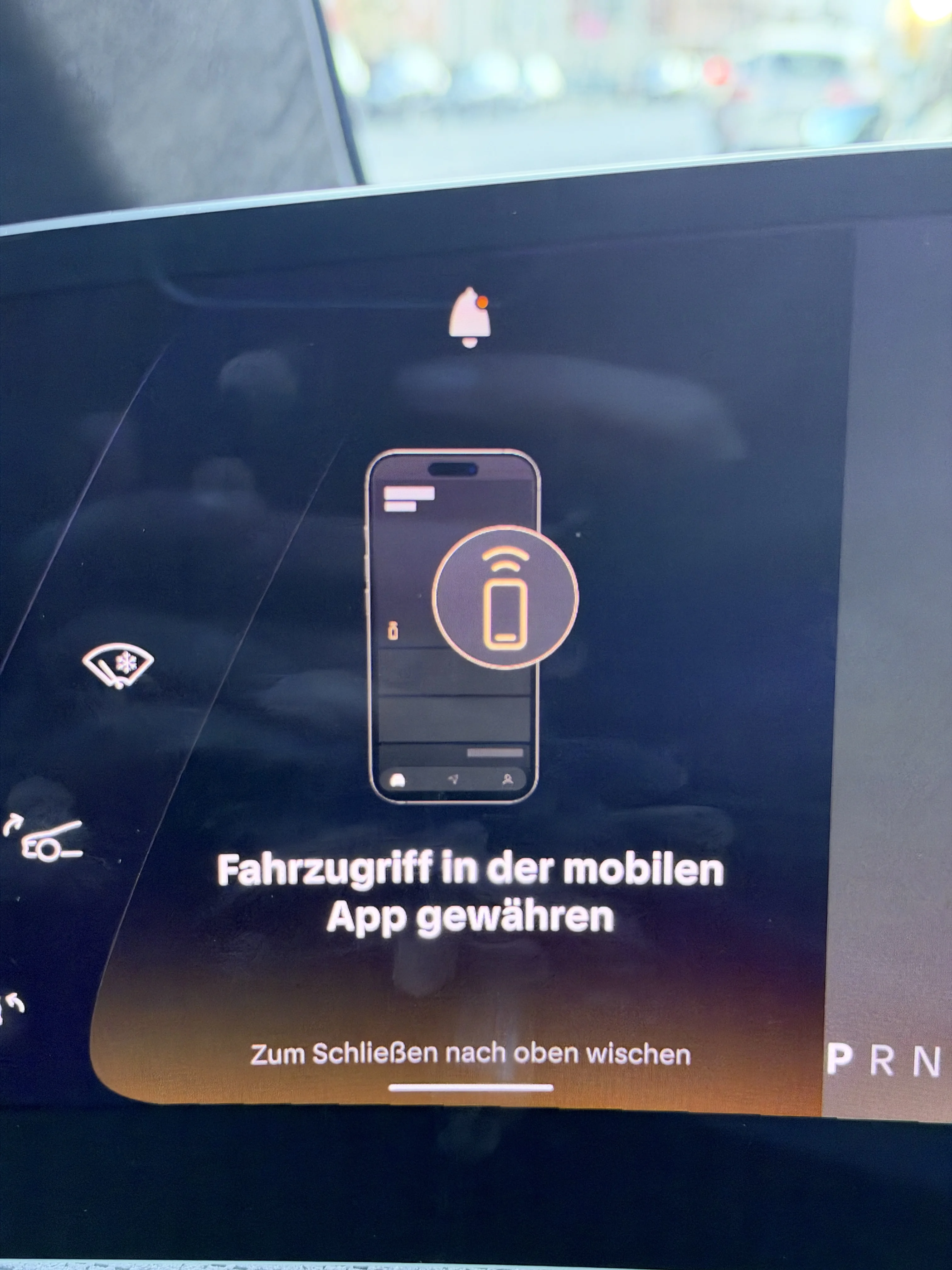
IMG_5692.webp

Car is on 3.6.6, phone app is on 2.19.1 (4411)

Is this the car software already assuming PaaK functionality which the iOS app does not yet allow for?

Scratching my head here…
 
That’s not PaaK. You have to grant permission from the mobile app to be able to drive. It gives you two minute timer to shift in drive.

1795872753868.webp
 
That’s not PaaK. You have to grant permission from the mobile app to be able to drive. It gives you two minute timer to shift in drive.
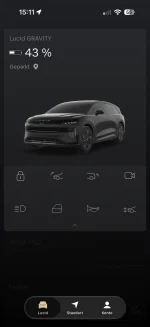
appreciate your reply - that's wild, because I simply don't have that icon in the app - see screenshot. At least now I know that I was not too stupid to look in a different place...
 

Attachments

  • IMG_5742.webp
    IMG_5742.webp
    53.1 KB · Views: 23
Looks like the remote start might be a US only function
 
Obvious question is, "Do you have the latest version of the app software?" My iPhone version is 2.19.1, although the feature has been around previous to that.
 
Obvious question is, "Do you have the latest version of the app software?" My iPhone version is 2.19.1, although the feature has been around previous to that.
@Alex yes, I am running the same version as you.
Towards @prgarg 's comment: this is not about remote starting, I think?! I opened the car with the app, get in the car, and want to drive the car - that is when I get this notification. In that sense, the car does "start" when I open it with the app already - it just doesn't let me shift into drive ...
What that button does is authorize the car to be put into drive. For just a few minutes. Without the presence of a key fob or mobile key.

Unlocking manually with the app won’t let you drive the car. Just unlock it.

I’ve never really understood the need for that function, other than I need to park somewhere else, but I accidentally left my fob? Or I want to let my friend drive the car while I’m away. But I want them to have to bug me every time?

It’s fine in a pinch, I guess. But you aren’t missing much.
 
Previously, some users (myself included) have had success with the disappeared icon coming back after reinstalling the mobile app, but this was a while back and specifically before international deliveries.
 
Was going to suggest same, delete your app and reinstall. I had some missing features as well last week and reinstall fixed them.
 
Back
Top