
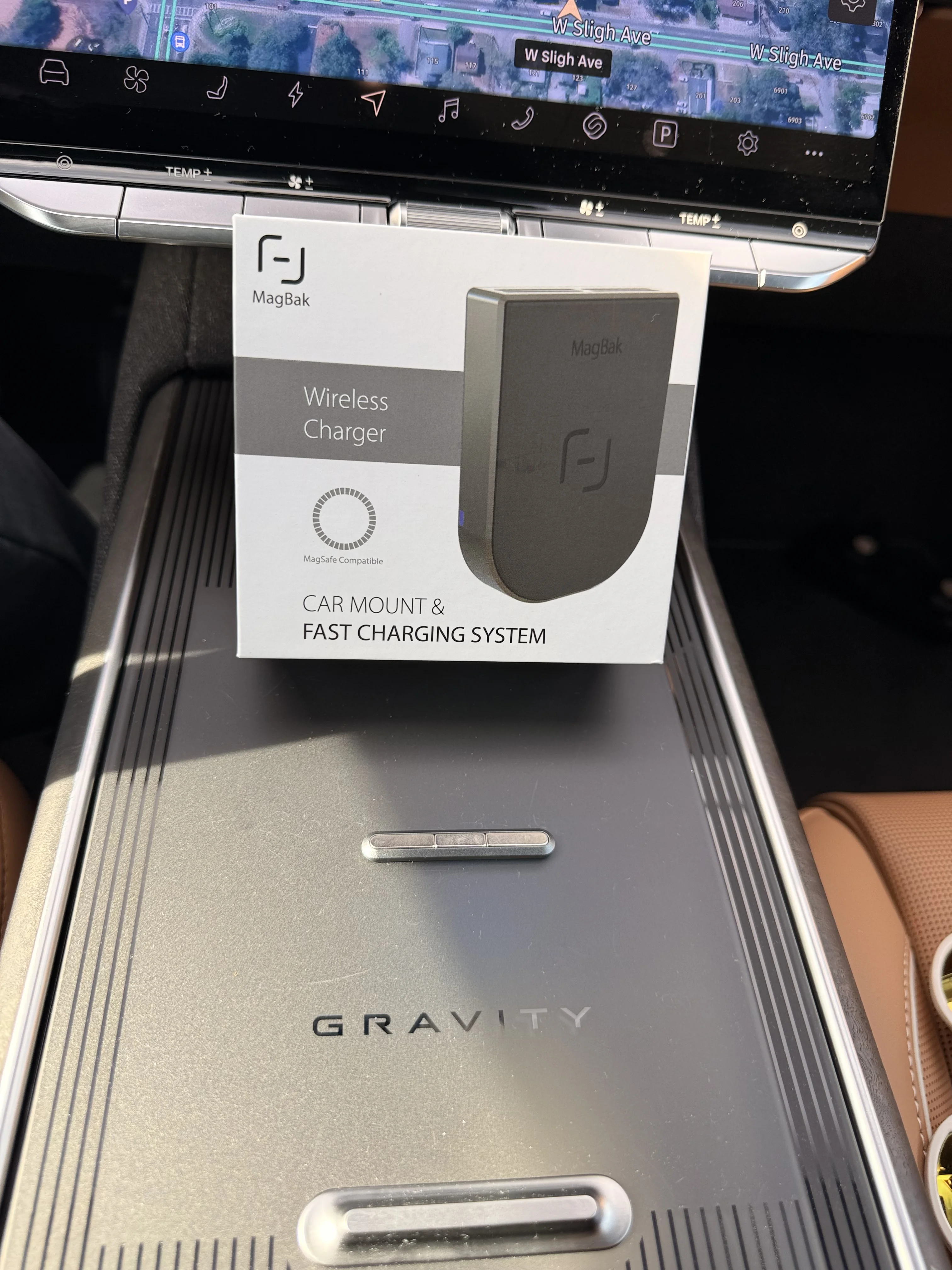
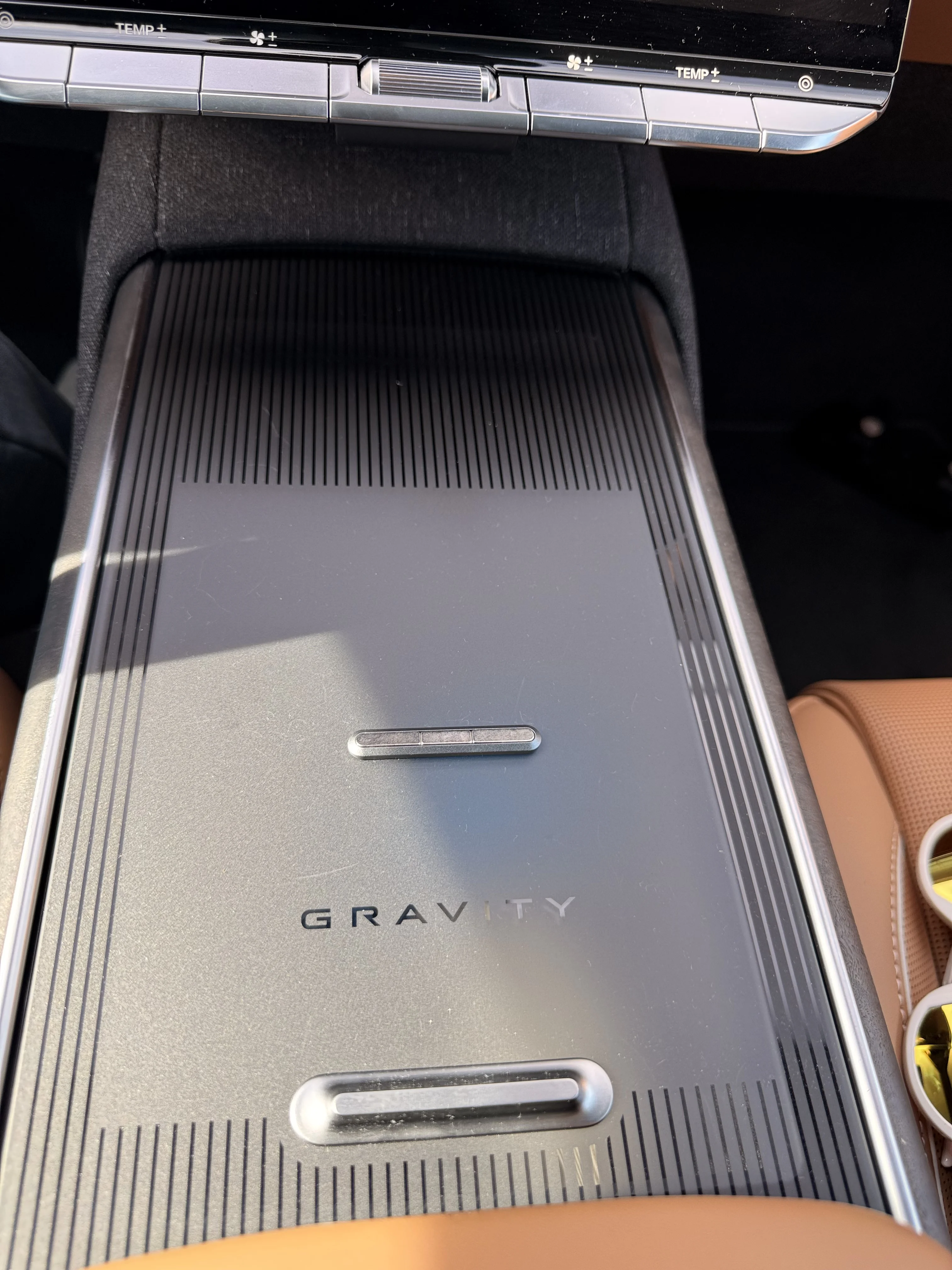
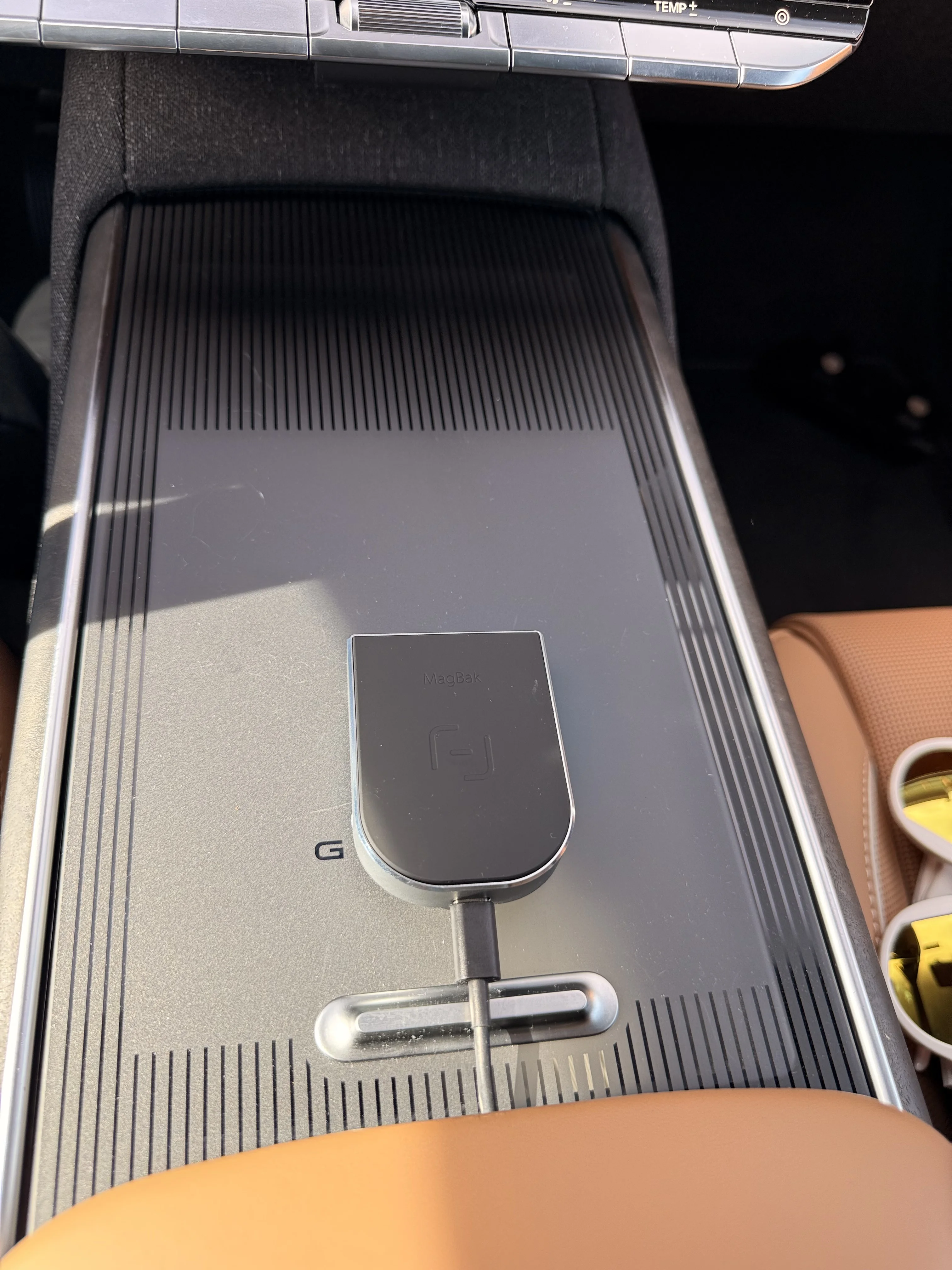
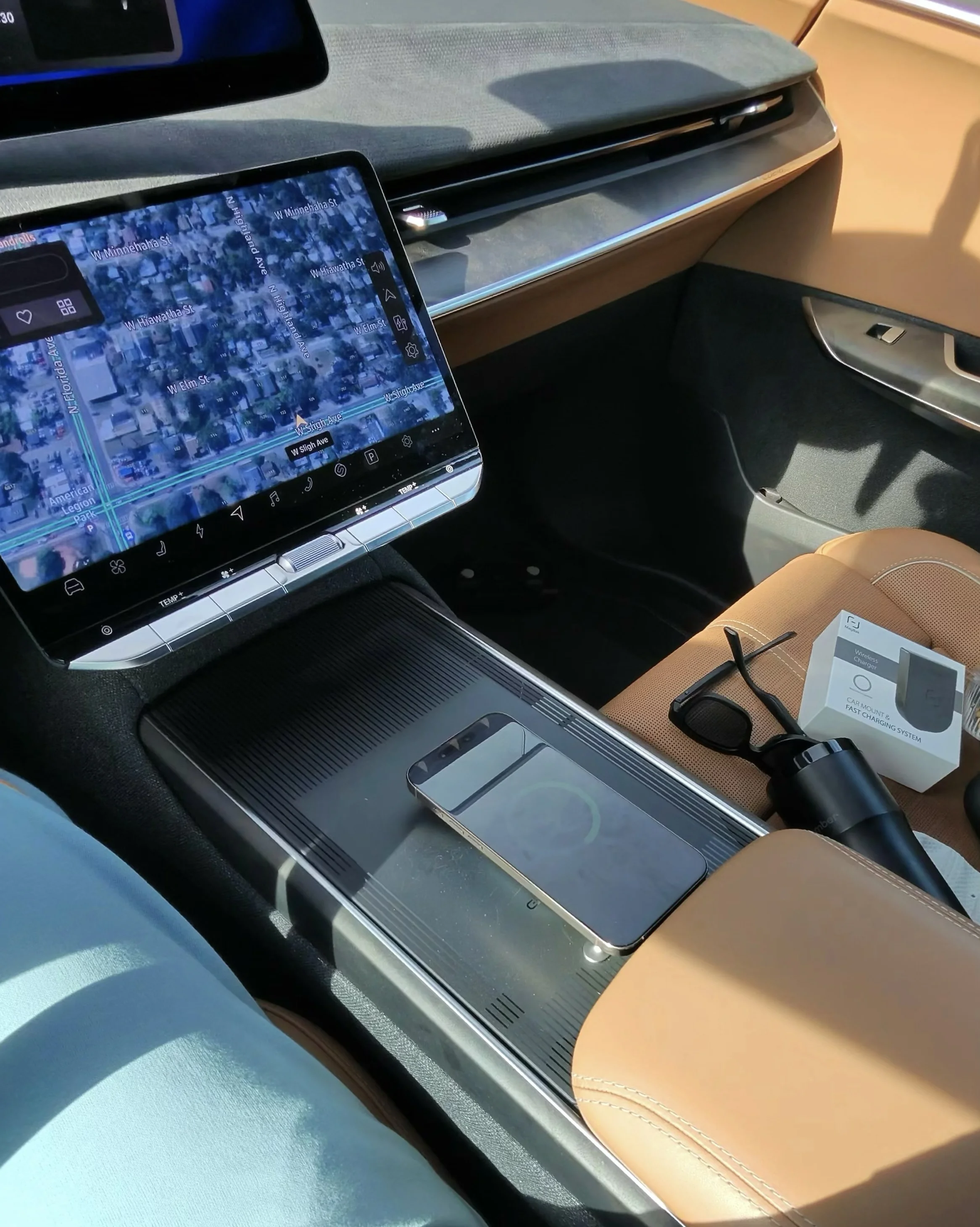
Since getting Car Play I see a value to being able to charge and access my phone. The Infotainment real esteem is super efficient - so it’s been a challenge to find something. Let me know your thoughts on the final candidate from MagBak. I initially wanted to mount the magnet under the volume control. Size is perfect-but not enough support to hold the weight of the charger and phone. After a lot of trial and error - I realized the magnet is low enough to still allow closure of the ‘Gravity Glass’. Thoughts?
You are using an out of date browser. It may not display this or other websites correctly.
You should upgrade or use an alternative browser.
You should upgrade or use an alternative browser.
Phone charger cadidate
- Thread starter lv2wap
- Start date
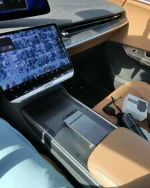
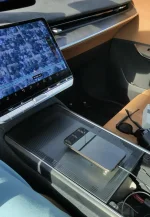
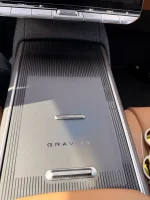
You are correct there is a charger inside. Mine usually doesn’t work with my iPhone (I think the camera make it difficult to connect and lay flat). So I usually plug it in and rest it on the pad. My challenge is I want to be able to quickly store and charge for short trips. I can see using the cable and storage for long trips. This gives me access that’s more fluid.Sorry, I'm confused. Do the wireless chargers inside the console not work for you? Seems like this mount will stop you from fully opening the sliding cover

- Joined
- Jul 9, 2025
- Messages
- 1,037
- Reaction score
- 1,516
- Location
- San Diego, CA
- Cars
- 2026 Gravity GT
- Referral Code
- 3Q9SEQEI
Weird, I haven't had a problem charging on the built in pads with iPhones. I had the 14 Pro Max when I got the Gravity and recently upgraded to the 17 Pro Max, my wife had a 12 Pro and upgraded to the 17 Pro at the same time as me. All four of those phones were able to sit on the built in pads and charge.
Not sure I'd want to stick something on top of the sliding cover that might come off and get stuck in there.
Not sure I'd want to stick something on top of the sliding cover that might come off and get stuck in there.
- Joined
- May 19, 2025
- Messages
- 848
- Reaction score
- 947
- Location
- Santa Cruz
- Cars
- Outback; Q5; Taycan; GGT
My iPhone charges on the built in pads for a short while, but then gets too hot and stops receiving the charge so I gave up trying to use them.
I just plug it into a cord out of the usb-c port in the console and there's no problem.
On top of the glass doesn't work for us as we often use the bento box drink holders down in the console to hold Yeti cups so the cover is mostly open
I just plug it into a cord out of the usb-c port in the console and there's no problem.
On top of the glass doesn't work for us as we often use the bento box drink holders down in the console to hold Yeti cups so the cover is mostly open
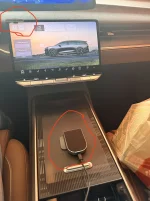
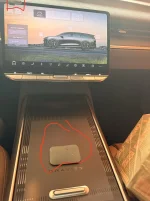
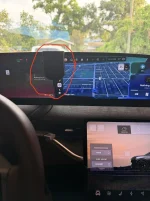
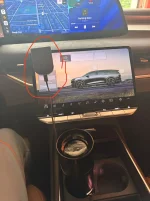
My apologies - I think I buried the lede. I thought the innovation was self evident. This gives me choice. I can 100% use the integrated options - but as you can see, I can place the magnet in multiple locations based on the situation. For long road trips maybe I use the co-pilot screen. Or if I’m trying to hide text from my wife move it all the way to the left. I highlighted just a few of the spots I can now use AS WELL as offering spaces in the other seats AND if I am in camping mode having a mount while I sleep in the back.
Attachments

- Joined
- Jul 31, 2025
- Messages
- 229
- Reaction score
- 445
- Location
- Bay Area, CA
- Cars
- Gravity DE, Model 3
- Gravity DE Number
- 266
Curious if you tried the spot on the left side of the steering wheel, like where it's mounted on this thread:
That's where I have that recommended charger mounted now, but it does cover up the left-hand side of the screen a little and so the frunk/trunk buttons over there, and I'm always a bit concerned about how the clip is really just jammed onto the pilot glass screen directly. If this MagBak solution can fit on left side, I can replace that setup with this one that's more designed to stick onto the dash.
I was looking for a clean-looking way (relatively) to mount my phone until the Apple CarPlay/Android Auto.
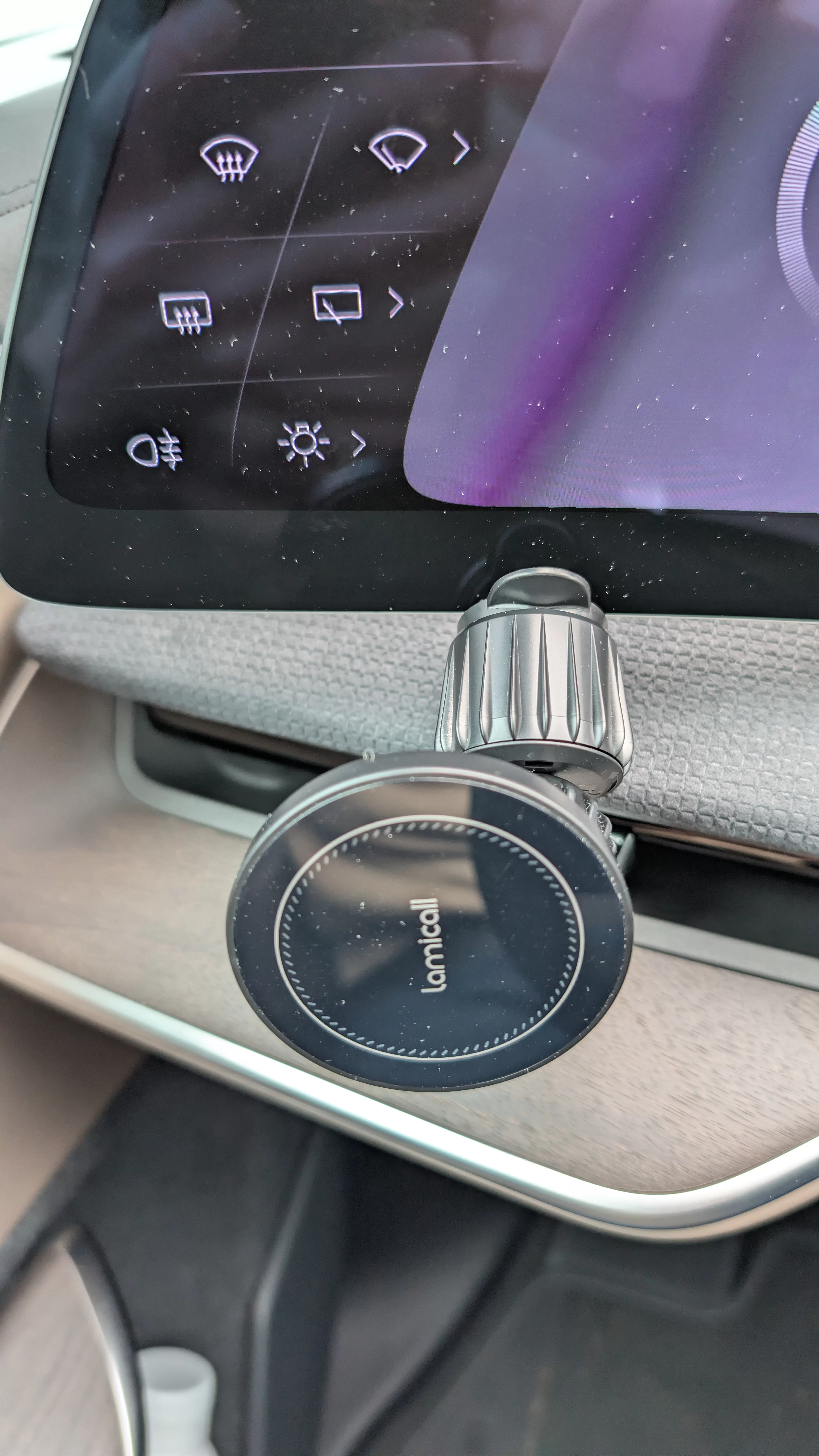
After testing out a few different options, this is the mount location and the simple phone mount that works for me:
Lamicall Car Vent Mount
($10 w/ promo code LAMICV09T - Actually a wireless charger too, although I'm only using it as a mount)
The air vent hook grabs well to the back of the Clearview Cockpit plastic trim piece, and the rubber padding gives it a snug fit on the screen's bottom edge.
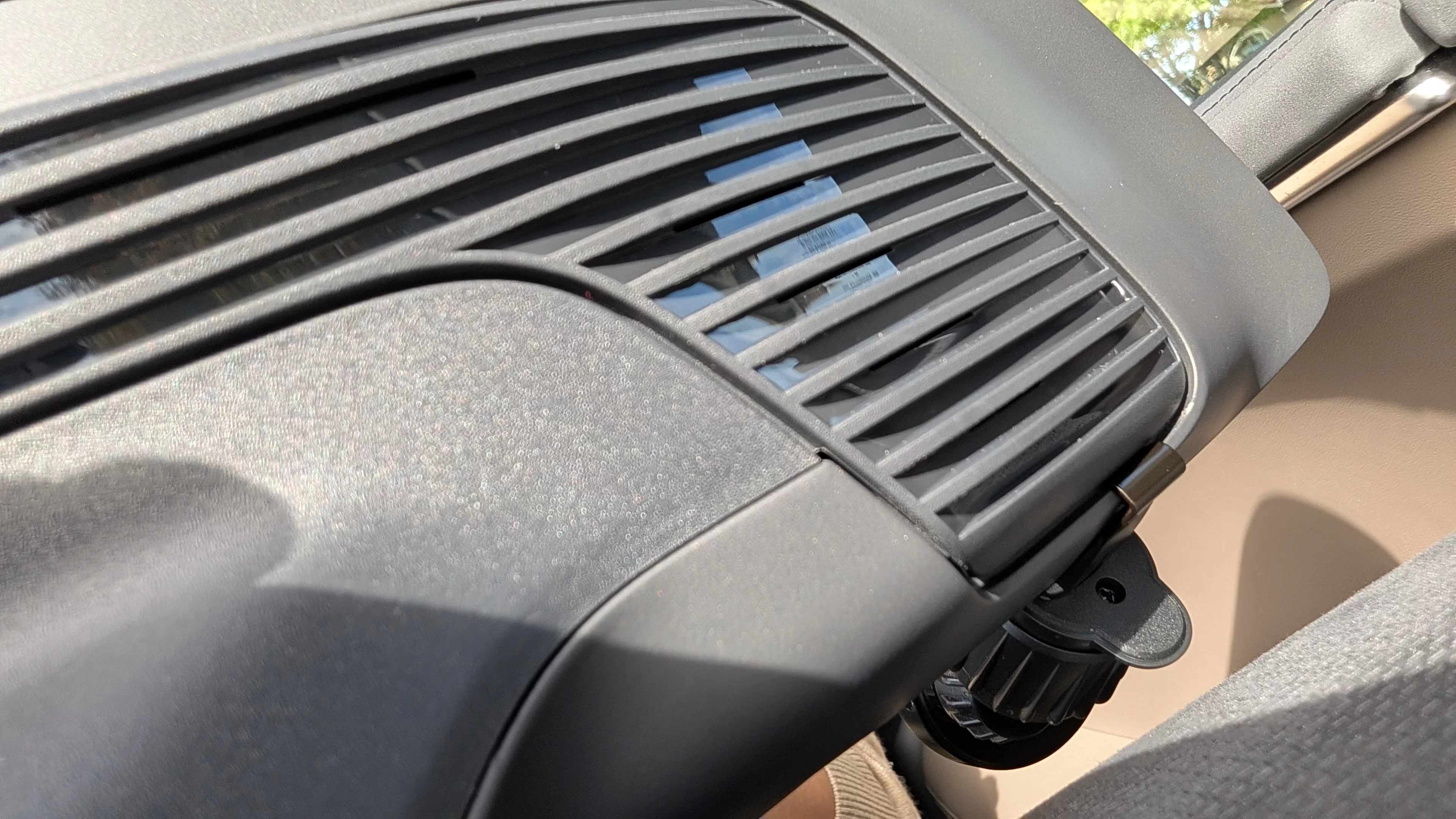
After testing out a few different options, this is the mount location and the simple phone mount that works for me:
Lamicall Car Vent Mount
($10 w/ promo code LAMICV09T - Actually a wireless charger too, although I'm only using it as a mount)
The air vent hook grabs well to the back of the Clearview Cockpit plastic trim piece, and the rubber padding gives it a snug fit on the screen's bottom edge.
- lucidy
- magsafe mount
- Replies: 42
- Forum: Gravity: How-to

That's where I have that recommended charger mounted now, but it does cover up the left-hand side of the screen a little and so the frunk/trunk buttons over there, and I'm always a bit concerned about how the clip is really just jammed onto the pilot glass screen directly. If this MagBak solution can fit on left side, I can replace that setup with this one that's more designed to stick onto the dash.
My pleasure. Short answer- I can place it anywhere you have a surface to stick to. In my case - I have both a piece of metal and the strong magnet that came in the box. I attached the magnet to a ‘cable routing hook’ I had laying around. Now - I can slide that hook over any part of the pilot screen when I want to see my phone.
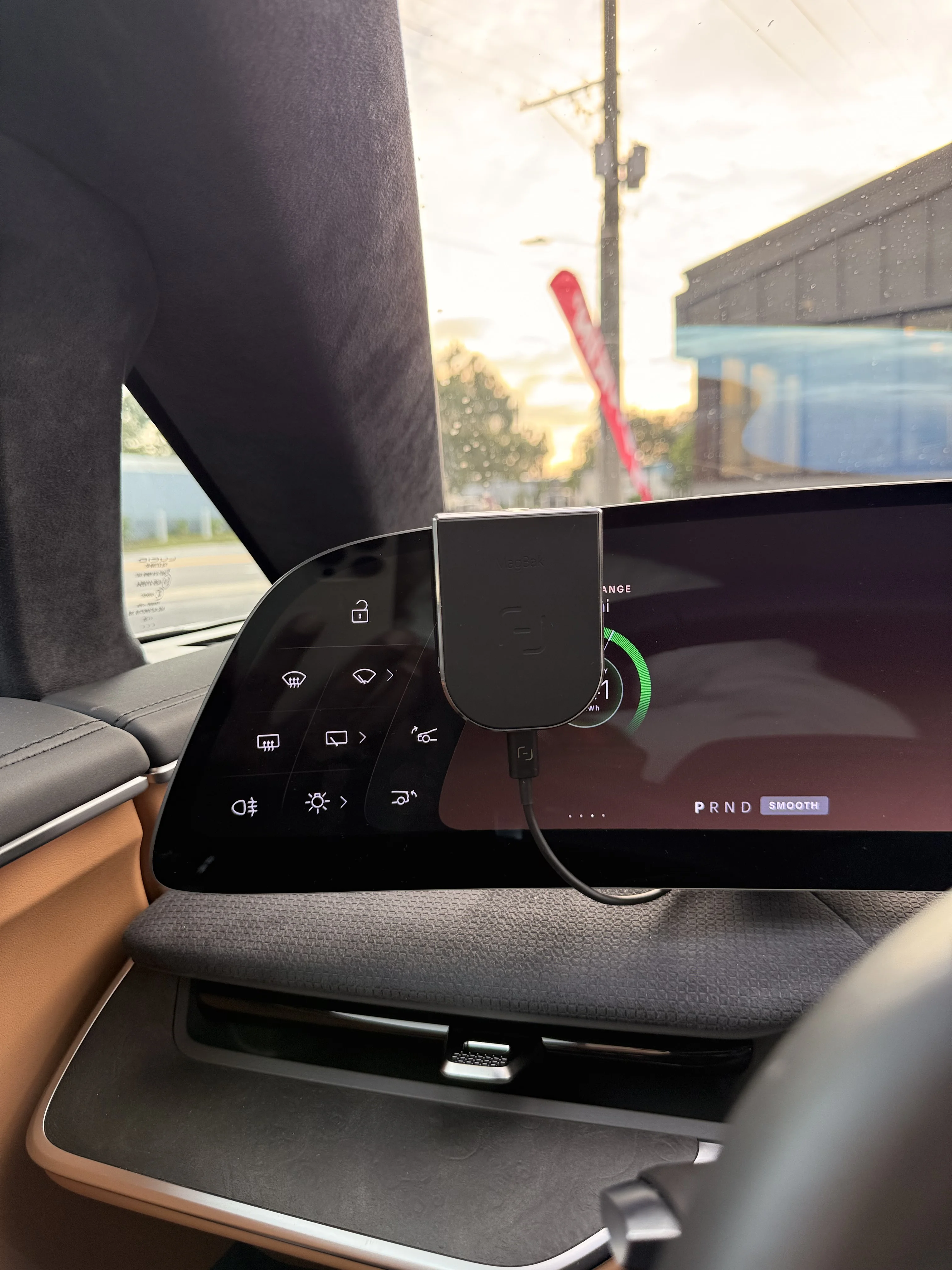
I’m pretty bad using these forums but I did post a reply for you. CheersCurious if you tried the spot on the left side of the steering wheel, like where it's mounted on this thread:
I was looking for a clean-looking way (relatively) to mount my phone until the Apple CarPlay/Android Auto.
After testing out a few different options, this is the mount location and the simple phone mount that works for me:
Lamicall Car Vent Mount
($10 w/ promo code LAMICV09T - Actually a wireless charger too, although I'm only using it as a mount)
The air vent hook grabs well to the back of the Clearview Cockpit plastic trim piece, and the rubber padding gives it a snug fit on the screen's bottom edge.
- lucidy
- magsafe mount
- Replies: 42
- Forum: Gravity: How-to
That's where I have that recommended charger mounted now, but it does cover up the left-hand side of the screen a little and so the frunk/trunk buttons over there, and I'm always a bit concerned about how the clip is really just jammed onto the pilot glass screen directly. If this MagBak solution can fit on left side, I can replace that setup with this one that's more designed to stick onto the dash.
- Joined
- Jul 31, 2025
- Messages
- 229
- Reaction score
- 445
- Location
- Bay Area, CA
- Cars
- Gravity DE, Model 3
- Gravity DE Number
- 266
Thanks! It looks like it *may* be possible in that position.I’m pretty bad using these forums but I did post a reply for you. Cheers
Do you find that the magnet is strong enough, on both the MagBak strip thing and the MagSafe charger itself, to keep the phone stable? The requirements are a bit diff. than other MagSafe chargers when they're in the car like this, where I'd prefer a stronger magnet with all the movement and braking and turning…
Understood. Both the magnet on the charger AND the adhesive one in box are very strong. I have zero issues.Thanks! It looks like it *may* be possible in that position.
Do you find that the magnet is strong enough, on both the MagBak strip thing and the MagSafe charger itself, to keep the phone stable? The requirements are a bit diff. than other MagSafe chargers when they're in the car like this, where I'd prefer a stronger magnet with all the movement and braking and turning…
- Joined
- Jul 31, 2025
- Messages
- 229
- Reaction score
- 445
- Location
- Bay Area, CA
- Cars
- Gravity DE, Model 3
- Gravity DE Number
- 266
Great! Worth a shot, then, I think… just have to get it back from the shop now.Understood. Both the magnet on the charger AND the adhesive one in box are very strong. I have zero issues.